Link in bio
One link in the bio.
Everything behind it.
A page at kanso.bio/your-brand with booking, links and the posts Kanso published, in the brand's own look. It comes with every plan, right next to the posts it leads to.
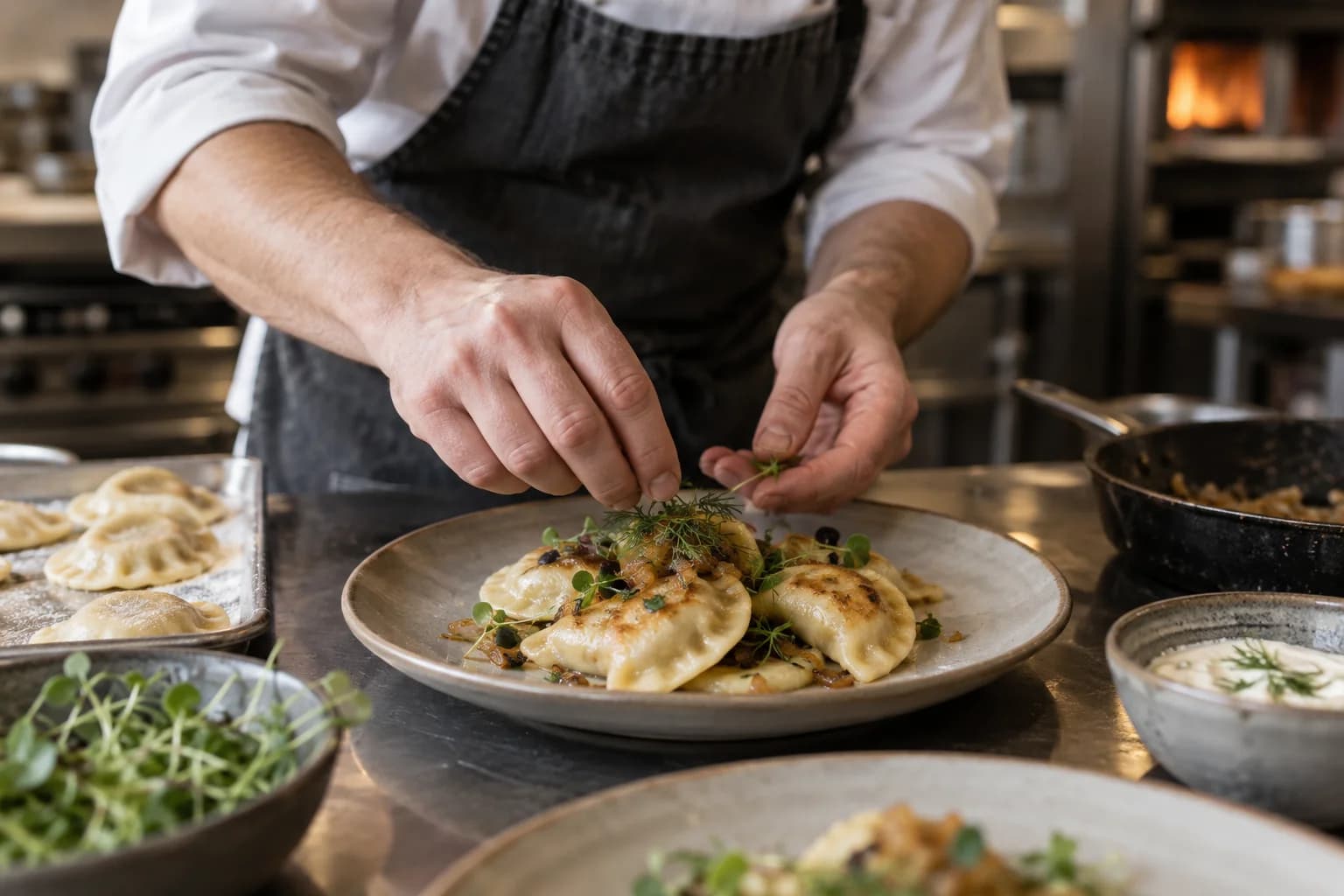

Five looks
in your brand's colour.
Start from a ready look and change any part of it. The phone shows the page the sample business would publish, with its own colour and photos.
Theme
Font
Buttons
Button shape
Picture shape
Cover photo
Background
Visitor's phone
Tavolino
Sunday lunch. Bring everyone.
- TikTok
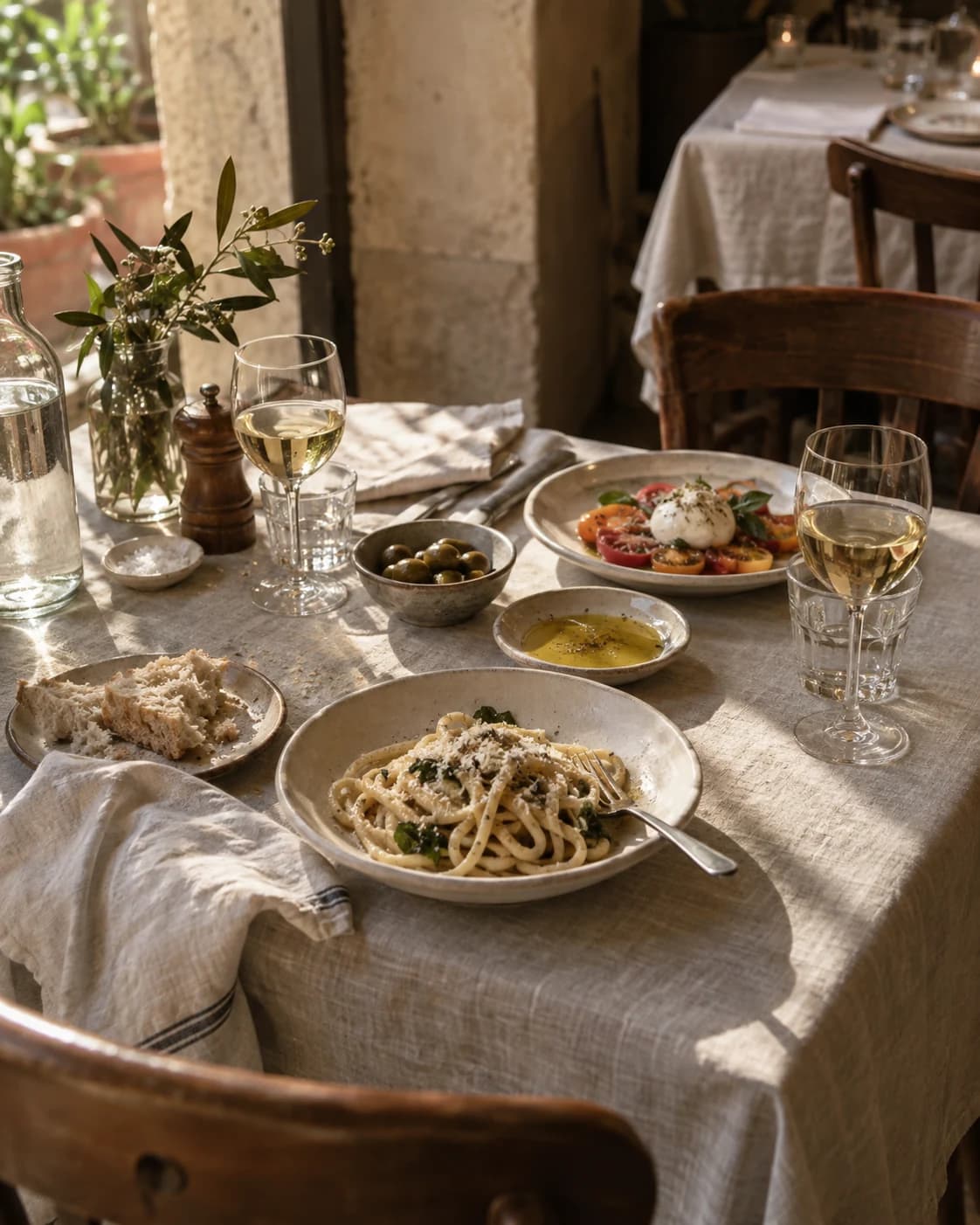 Sunday at our table
- Book a table
- Our website
- Find us
Latest posts
Made withkanso
A sample page of a made-up business. Nothing is saved.
Ready for dark mode
Visitors can see the page light or dark. The light looks switch to their dark versions, if you want them to.
Checked before it goes out
The phone preview changes as you type. Open the whole page in a new tab to check it before you publish.
A page that keeps up
with your posts.
The page lives next to the posts, the calendar and the results, so most of it updates without anyone touching it.


New posts show up on their own
Every post Kanso publishes lands at the top of the grid. Each one can lead to its own link, like the dish or the product it shows.
3, 6 or 9 posts, in two or three columns
Links that come and go on time
Give a link its first and last day: a weekend menu, a sale, a holiday opening. It appears and disappears with no one having to remember.
See what people tap
Page views, link clicks and the top link over the last four weeks, in the same place as the rest of the brand's results.
Icons of your profiles
The row of icons under the name comes from the accounts connected to Kanso. There's nothing to paste.
An icon on every link
A pin for directions, a calendar for booking, a bag for the shop. Read from the address, or picked by hand.
Why not just Linktree?
Linktree does more for the page alone: link apps, selling products, collecting emails. The Kanso page does less, and it's already where the posts are made.
| Kanso link in bio | LLinktree | |
|---|---|---|
| Price | Included in every plan, with a page for every brand you run. | A free plan, and paid plans for more design options and stats. One more subscription next to your social media tool. |
| Latest posts | The posts Kanso published show up on their own, newest first. | Links are added by hand. An Instagram feed can be added as a separate link app. |
| Look | Starts from the brand's colour and photos, already in Kanso. | Themes and custom designs, set up on their own. |
| Team and accounts | Lives in the brand's workspace, with its team and connected accounts. | A separate account, away from where the posts are planned. |
Questions about
link in bio.
Your link in bio
is already in Kanso.
Join the waitlist and we'll get in touch when beta access is available.
You pay per brand, not per person. Bring the whole team.