Studio
Brand graphics,
from the first click.
Studio is the design editor inside Kanso. Templates open in the brand's colours, typefaces and photos. Change what you need, and the graphic goes straight into the post, the library and the client's review.
One post.
Any layout, any format.
Pick a layout and a format. The colours, typefaces, photo and words stay: they come from the brand, not from the template.
Layout
Format
Always in the look of Tavolino
AaFraunces
Try it: a preview of a few of Studio's templates. Nothing is saved.
Everything a post needs.
Nothing it doesn't.
Carousels, and PDF for LinkedIn
Build a carousel page by page, and download it as images or as one PDF, the form LinkedIn shows as a document.
Motion, exported as video
Let elements arrive one by one, set how long each page stays, and download the design as a video for Reels, TikTok or Stories.
AI that edits, not decorates
Remove or replace a background, erase what shouldn't be there, extend or sharpen a photo. Rewrite, shorten or translate the words on the graphic.
Typefaces for every language
The brand's typefaces, plus 160 popular Google Fonts, each with full support for accented letters. No more letters turning into boxes.
Icons and photos, ready
About 1,900 icons that take any colour, and free photos from Unsplash with their author credited, for when the brand's own aren't enough.
Logo, QR codes and the small things
The brand's logo on every design, QR codes that lead to your site or menu, shapes, masks and gradients.
A Canva alternative?
The honest answer.
Canva is a brilliant tool for designing anything. Studio does less on purpose: it makes social media graphics for the brands you run in Kanso, and hands them straight to the post.
| Kanso Studio | CCanva | |
|---|---|---|
| Your brand | Colours, typefaces and logo come from Brand Brain. Every template opens in them, for every brand you run. | A Brand Kit you set up and keep up to date by hand, in each team. |
| The finished graphic | Saved to Media Library as the team's own work and added to the post, with its caption and date. | Downloaded or shared, then uploaded to a scheduler, or planned in Canva's Content Planner. |
| Client approval | The client approves the whole post by one link: graphic, caption and date, without an account. | Comments and approval requests inside the design, for the people it is shared with. |
| Photo rights | Each photo from Media Library keeps its permission and end date. A photo without one can't go into a post. | Photos from Canva's library come under Canva's licence. Your own files are yours to keep track of elsewhere. |
| Price | Included in every Kanso plan, with planning, approvals and publishing. | A free plan, with Pro and Teams as a separate subscription. |
Canva: features from its own site, as of October 2026.
Stay with Canva if
- You design for print, presentations or websites, not only social media.
- You need hundreds of thousands of ready templates for any occasion.
- You edit long videos or work on whiteboards with your team.
Choose Studio if
- You make graphics for several brands, and each must look like itself.
- The graphic is part of a post a client has to approve.
- You want the file, its rights and its post in one place, not three.
Using both? Export from Canva as PNG, JPG, PDF or MP4 and add the file to Media Library. It goes into posts like any other, with its source noted.
From the brief
to the approved post.
Studio takes the look of the brand from Brand Brain, saves what it makes to Media Library, and the client sees it in the post they approve.
Audience
The family organizer
Owner's note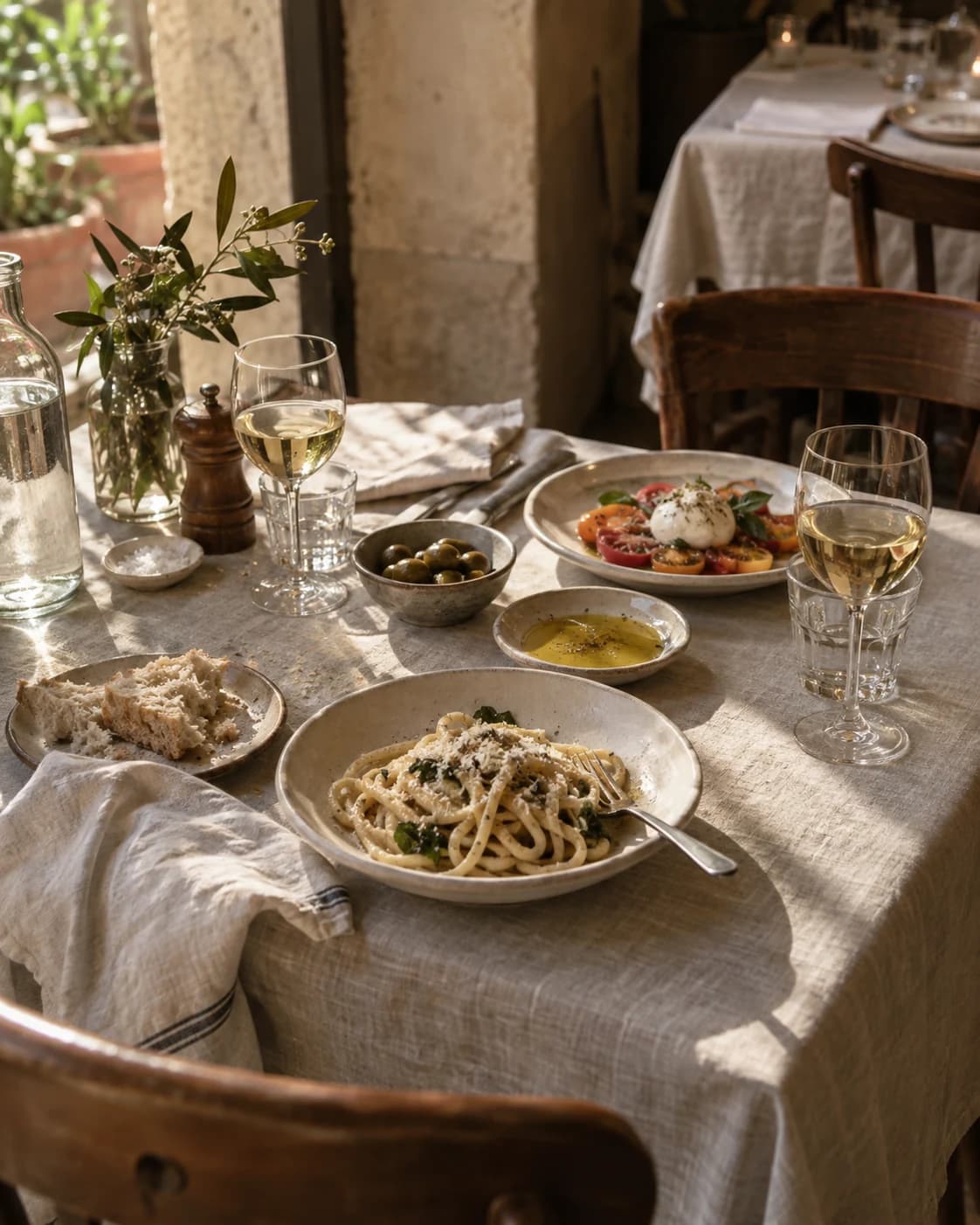
Your kitchen. Off duty.
Studio
How it looks.
The graphic, in the brand's colours and typefaces.
You're here
- Until 30 Sep

- Version 2 approved1
Questions about
Studio.
Your brand,
in every graphic.
Join the waitlist and we'll get in touch when beta access is available.